Most trade ideas you see from us carry an entry, a stop-loss and two take-profit levels, labelled TP1 and TP2. New traders often ask which one to use. The answer is that they work together. Here is what each target means and how a two-target approach can be managed.
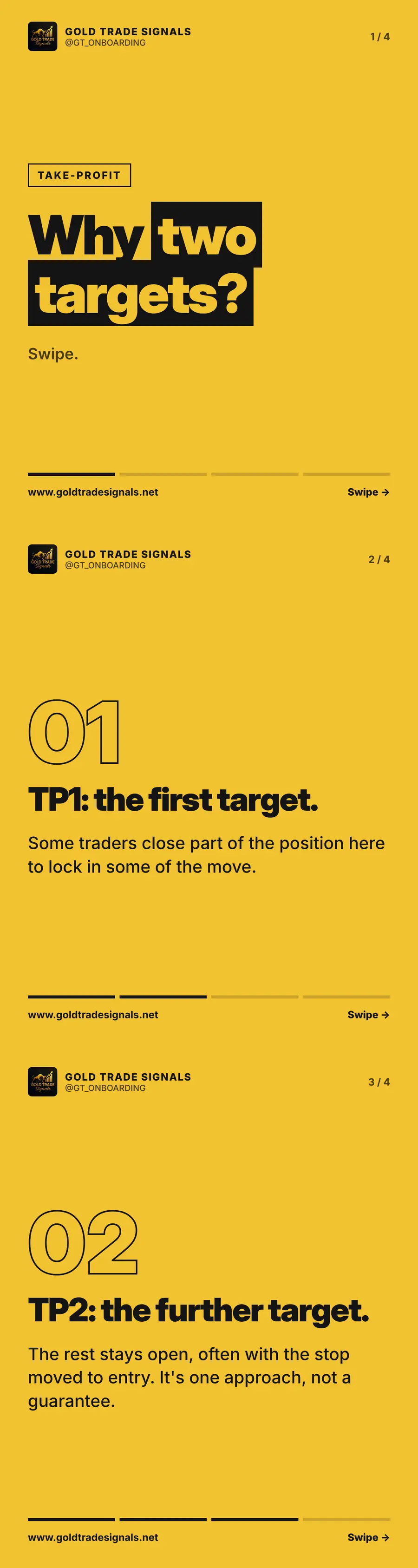
TP1: the first target
TP1 is the nearer take-profit level. It is the first point where the trade idea expects price to reach if the move plays out. Some traders close part of their position at TP1, perhaps half, to lock in some of the move. That banked portion is no longer at risk whatever happens next.
Closing part of the position at TP1 also changes how the rest of the trade feels. You have already taken something off the table, so the remainder can run without the same pressure. For beginners, that psychological relief is often as valuable as the profit itself, because it makes it easier to follow the plan.
TP2: the further target
TP2 is the more distant target. After TP1 is hit, the rest of the position stays open with the aim of reaching it. A common step at this stage is to move the stop-loss to the entry price, sometimes called going to breakeven. If price reverses, the remaining portion closes with no loss.
This is one approach, not a guarantee. Price may hit TP1 and reverse before TP2, or it may never reach TP1 at all and stop out instead. The two-target method simply gives you a structured way to take profit in stages. How much you close at each level is your choice, and our team is happy to talk through how to manage targets on your account.
Key takeaways
- TP1 is the first target where some traders close part of the trade.
- TP2 is the further target for the remaining position.
- Moving the stop to entry after TP1 is common, not guaranteed.
Common questions
What does TP1 and TP2 mean in trading signals?
TP1 is the first take-profit target and TP2 is a further one. Traders often close part of the position at TP1 and let the rest run towards TP2.
Should I move my stop-loss to breakeven after TP1?
Many traders do, so the remaining position cannot lose. It is a common approach rather than a rule, and it can mean being stopped out before TP2.
Trade ideas with the levels already worked out
Join the free community and receive XAU/USD trade ideas with entry, stop-loss and take-profit, live training on Tuesdays and Thursdays, and support whenever you are stuck.
Join free on TelegramOpen the calculatorsRisk warning: This article is educational content, not personal investment advice. Gold is a leveraged, volatile instrument and you can lose some or all of your capital. Gold Trade Signals is not FCA regulated. Read the full risk warning.
More from Trading Basics
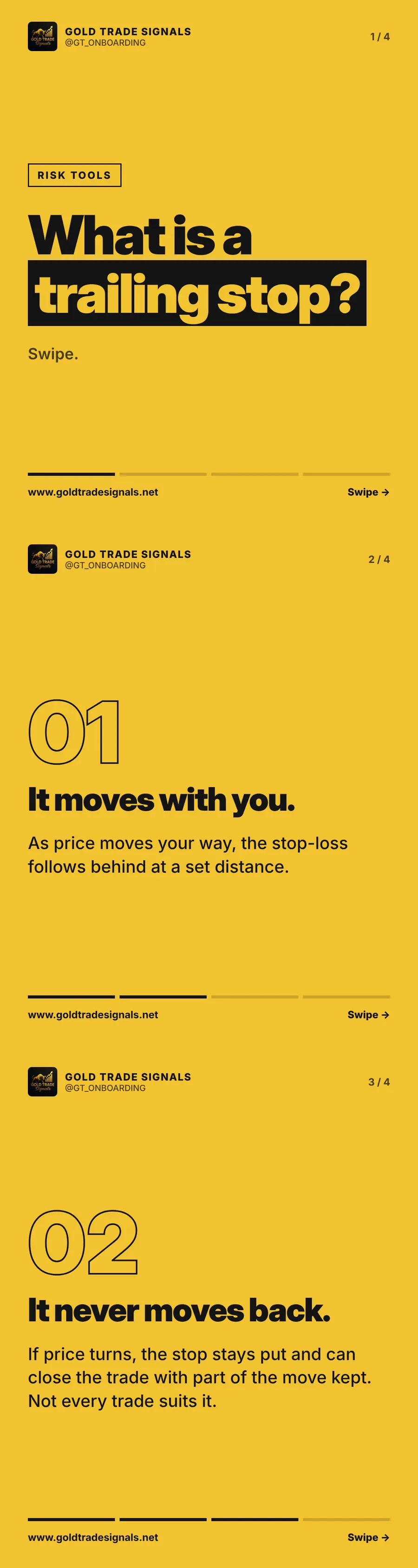
What is a trailing stop and when should you use one?
A trailing stop is a stop-loss that follows price in your favour. How it moves, why it never moves back, and when it suits a gold trade and when it does not.

How price alerts in MT5 save you from watching charts
Price alerts let MT5 notify you when gold reaches a level you choose. Learn what they do, why they cut your screen time, and how to set one up.
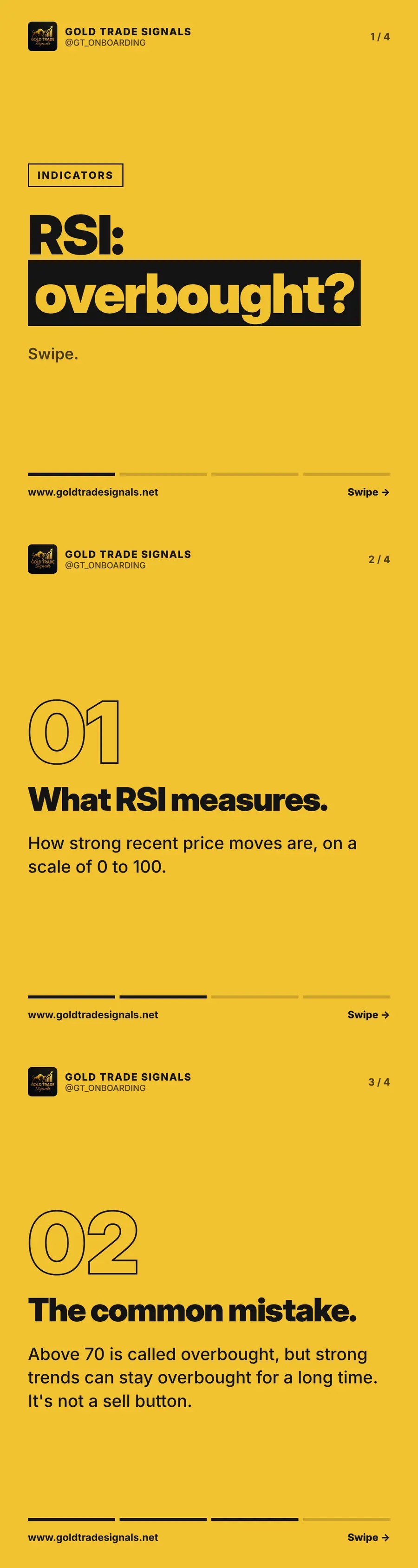
RSI basics: what overbought and oversold really mean
RSI is one of the most used indicators in trading and one of the most misread. Learn what it measures, what overbought means and why it is not a sell button.