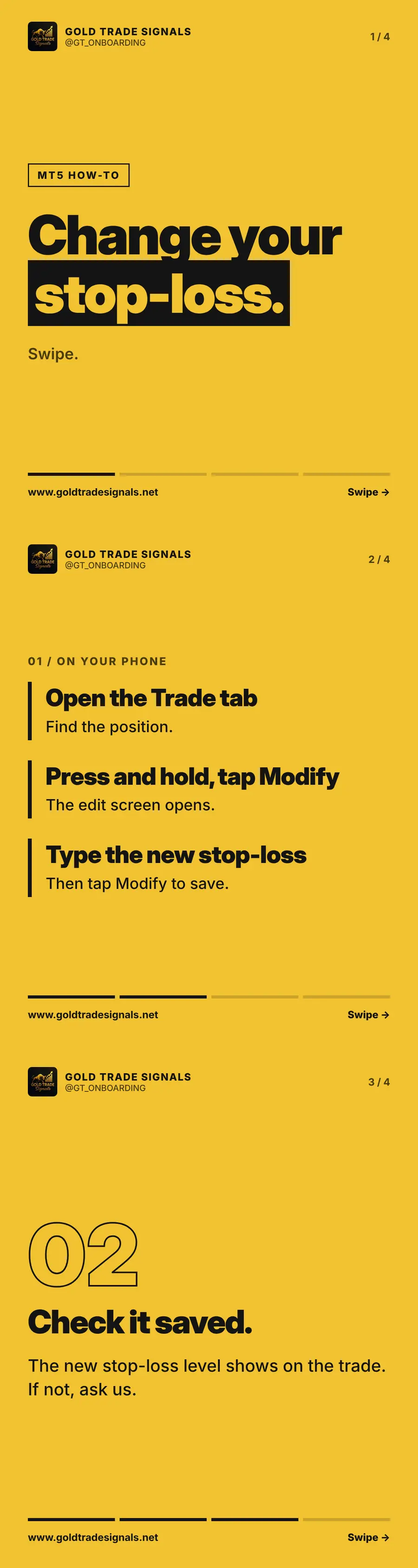
When a gold trade moves in your favour, we will often post 'move SL to entry'. That means changing the stop-loss on your open position so that the worst case is roughly break-even. It takes about twenty seconds in MT5 once you know where to tap. Here is the step-by-step on your phone.
On your phone, step by step
Open MT5 and go to the Trade tab at the bottom of the screen. This lists your open positions. Find the gold position you want to change (it will show XAUUSD, the direction, the lot size and the current profit or loss). Press and hold on that position until a menu appears, then tap Modify.
The edit screen opens with fields for Stop Loss and Take Profit. Tap the Stop Loss field and type the new level, for example your entry price if we have said move SL to entry. Leave the take-profit as it is unless the update says otherwise. Then tap the Modify button to save the change.
Check it saved
Back on the Trade tab, the position should now show the new stop-loss level next to it. If the old level is still there, the change did not go through. The usual reason is that the new stop is too close to the current price for the broker to accept; wait for price to move a little and try again.
If it still will not save, or you are not sure which level to type, ask us straight away rather than guessing. Our team is available 24/7 and can talk you through it with screenshots. We also walk through MT5 live in the Tuesday and Thursday training, so you can practise before it matters.
Key takeaways
- Trade tab, press and hold the position, tap Modify.
- Type the new stop-loss, then tap Modify to save.
- Check the new level shows on the trade; if not, ask us.
Common questions
How do you move a stop-loss in MT5 mobile?
Go to the Trade tab, press and hold the open position, tap Modify, type the new Stop Loss level and tap Modify again to save. The new level then shows on the position.
Why will MT5 not let me change my stop-loss?
Most often the new level is too close to the current market price for the broker to accept. Wait for price to move slightly and try again, or ask the support team.
Trade ideas with the levels already worked out
Join the free community and receive XAU/USD trade ideas with entry, stop-loss and take-profit, live training on Tuesdays and Thursdays, and support whenever you are stuck.
Join free on TelegramOpen the calculatorsRisk warning: This article is educational content, not personal investment advice. Gold is a leveraged, volatile instrument and you can lose some or all of your capital. Gold Trade Signals is not FCA regulated. Read the full risk warning.
More from Trading Basics
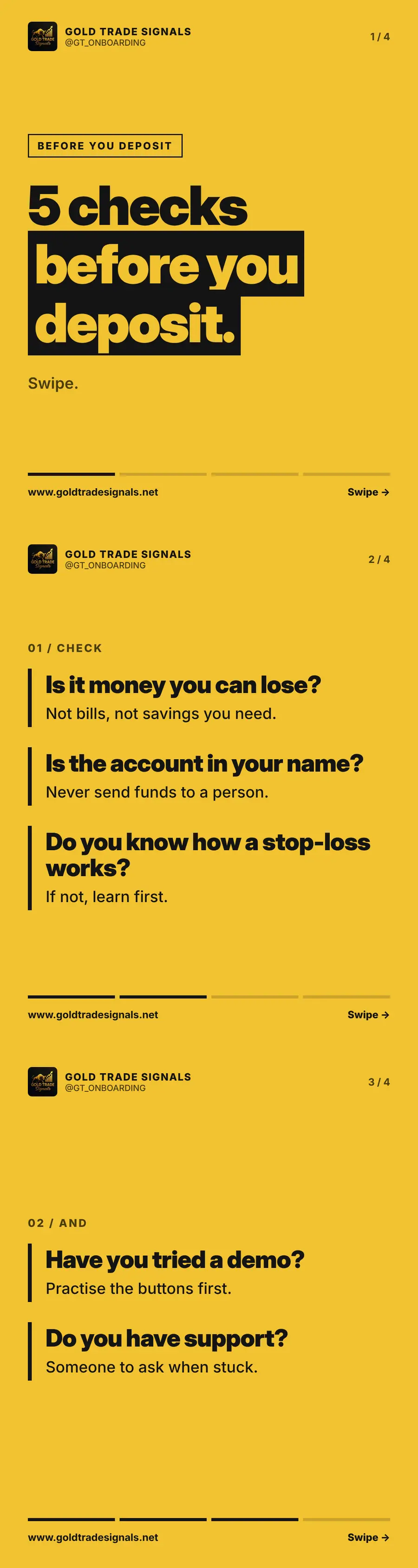
Five things to check before you deposit money to trade
Thinking about your first trading deposit? Run through five checks first, from whether you can afford to lose it to whether the account is in your own name.

How to close a trade early in MT5 on your phone
You do not have to wait for the stop-loss or take-profit to hit. How to close a trade manually in the MT5 mobile app in three quick steps.

How much money do you need to start trading gold?
Only trade money you can afford to lose, start small and match your lot size to your balance. The honest answer to how much you need to start trading gold.