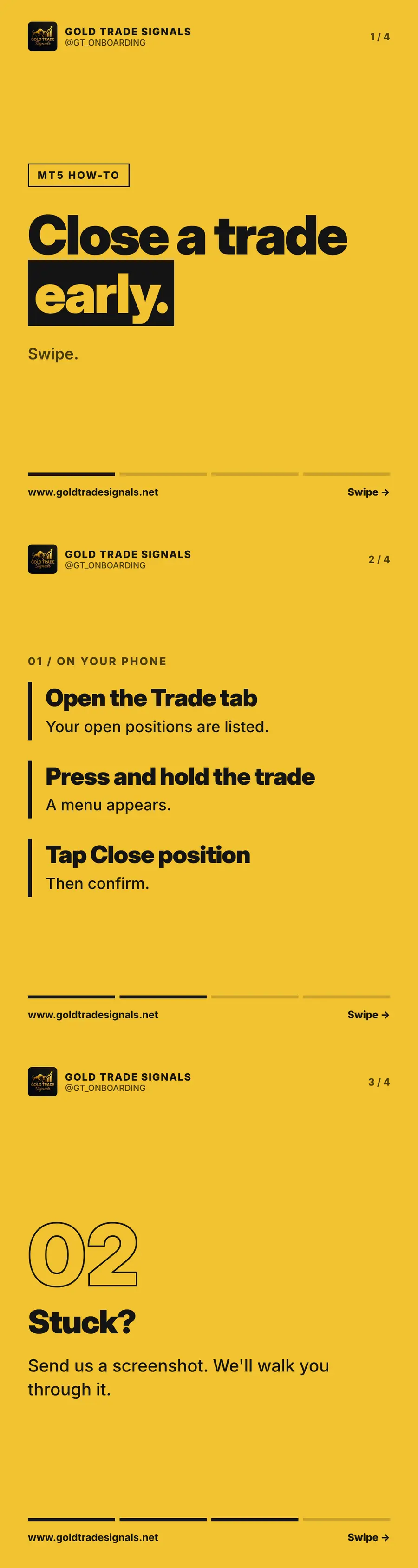
Every trade you place should have a stop-loss and a take-profit, but sometimes you want out before either is reached. News is about to drop, the setup has changed, or you simply want to bank what you have. Closing a trade manually in MT5 takes a few taps once you know where to look.
Closing a trade on your phone
Open the MT5 app and go to the Trade tab at the bottom of the screen. This lists your open positions along with your balance, equity and margin. Find the trade you want to close. Each line shows the symbol, direction, lot size and the current profit or loss on that position.
Press and hold on the trade. A menu appears with options for that position. Tap Close position. A confirmation screen shows the current price you will close at. Tap to confirm, and the trade is closed at the market price. The result moves from your open positions into your account history, and your balance updates.
On some versions you can also close part of a position by adjusting the volume on the confirmation screen before confirming. This is how traders take partial profit at TP1 while leaving the rest open. If the close button is greyed out, the market may be closed or your connection may have dropped, so check both first.
If you get stuck
MT5 menus look slightly different between Android, iPhone and desktop, and the wording changes with updates. If something does not match what you expected, do not guess. Take a screenshot and send it to us. Our support is available 24/7 and we will walk you through it step by step until the trade is closed.
Key takeaways
- Trade tab, press and hold, tap Close position, confirm.
- You can close part of a position by adjusting the volume.
- Stuck? Send us a screenshot and we will walk you through it.
Common questions
How do I close a trade in MT5 mobile?
Go to the Trade tab, press and hold the open position, tap Close position and confirm. The trade closes at the current market price.
Can I close a trade before it hits take-profit?
Yes. You can close any open position manually at any time the market is open, regardless of where your stop-loss or take-profit is set.
Trade ideas with the levels already worked out
Join the free community and receive XAU/USD trade ideas with entry, stop-loss and take-profit, live training on Tuesdays and Thursdays, and support whenever you are stuck.
Join free on TelegramOpen the calculatorsRisk warning: This article is educational content, not personal investment advice. Gold is a leveraged, volatile instrument and you can lose some or all of your capital. Gold Trade Signals is not FCA regulated. Read the full risk warning.
More from Trading Basics
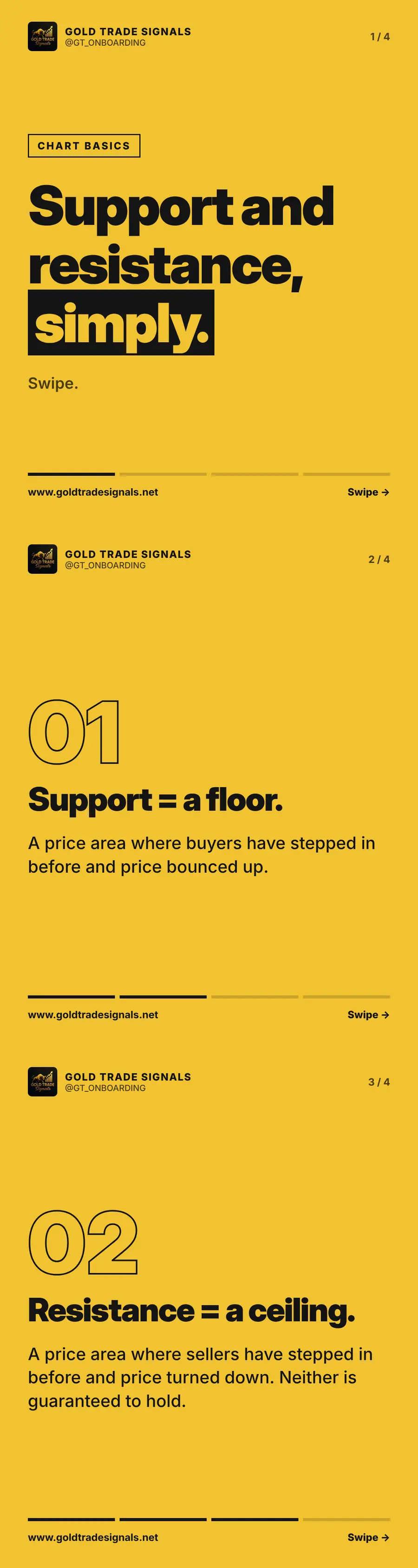
Support and resistance explained for gold traders
Learn what support and resistance mean on a gold chart, why price often reacts at these areas, and why neither level is ever guaranteed to hold.
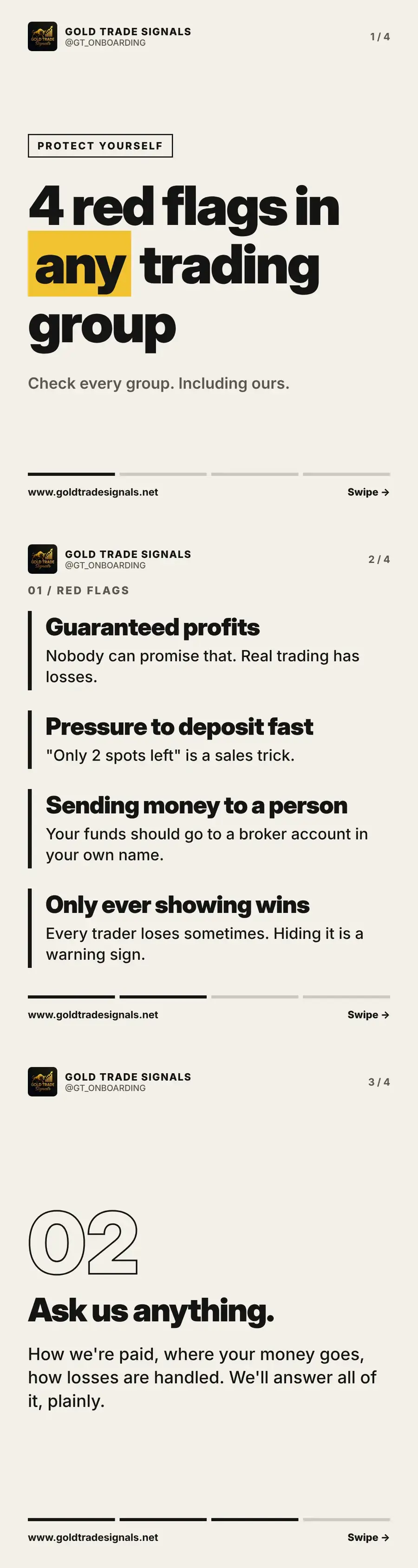
Four red flags to check in any trading group
Promises you cannot lose, deposit pressure, money sent to a person, and only showing wins: four red flags to check in any trading group, ours included.
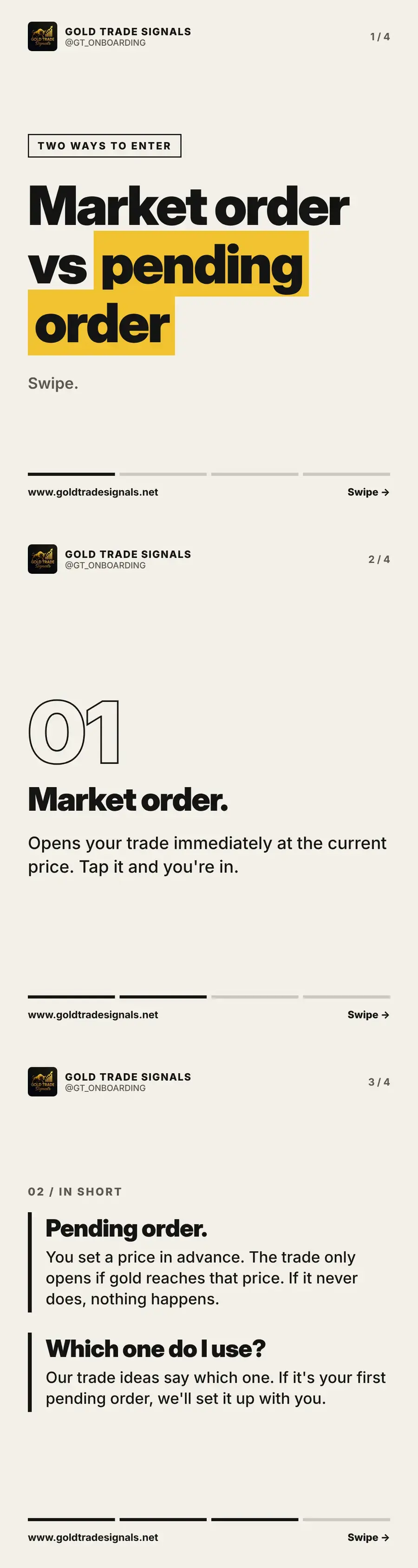
Market order vs pending order: two ways to enter a trade
A market order opens your trade now at the current price. A pending order waits for a price you set. Learn the difference and which one our ideas use.