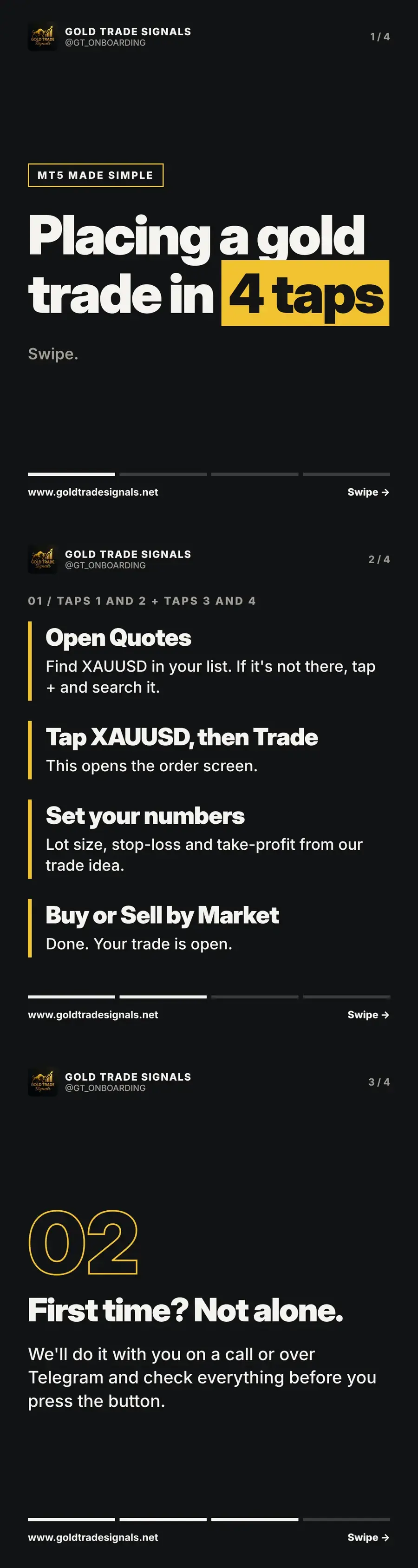
MT5 looks busy the first time you open it, but placing a gold trade comes down to about four taps. This guide walks through each one: finding XAUUSD, opening the order screen, entering the lot size, stop-loss and take-profit, and executing. Your first time, we do it together on a call.
Taps one and two: find XAUUSD and open the trade screen
Open the Quotes tab and look for XAUUSD in your list. If it is not there, tap the plus sign and search for it, then add it to your quotes. Next, tap XAUUSD and choose Trade. This opens the order screen, where every detail of the trade is set before anything goes live. Nothing happens until you confirm, so take your time here.
Taps three and four: set your numbers and execute
Now enter your numbers. Take the lot size, stop-loss and take-profit straight from our trade idea, since every idea includes all three. Check them twice. Then tap Buy by Market or Sell by Market, depending on the idea's direction. That is it: your trade is open, with the exit levels already in place so the worst case is defined before the market moves.
First time? You are not alone
Reading steps is one thing, pressing the button with real money is another. That is why we set up MT5 with new members and place the first trade together, on a call or over Telegram. We check every field with you before you confirm. If you would like us to set up MT5 with you, message the team and we will arrange it.
Key takeaways
- Find XAUUSD in Quotes, then tap Trade to open the order screen
- Lot size, stop-loss and take-profit all come from the trade idea
- Your first trade is placed together with us on a call
Common questions
How do you add XAUUSD to MT5?
Open the Quotes tab, tap the plus sign, search for XAUUSD and add it. It will then appear in your quotes list ready to trade.
What is the difference between Buy by Market and Sell by Market on MT5?
Buy by Market opens a long trade at the current price, expecting gold to rise. Sell by Market opens a short trade, expecting gold to fall. Our trade idea tells you which one to use.
Trade ideas with the levels already worked out
Join the free community and receive XAU/USD trade ideas with entry, stop-loss and take-profit, live training on Tuesdays and Thursdays, and support whenever you are stuck.
Join free on TelegramOpen the calculatorsRisk warning: This article is educational content, not personal investment advice. Gold is a leveraged, volatile instrument and you can lose some or all of your capital. Gold Trade Signals is not FCA regulated. Read the full risk warning.
More from Trading Basics
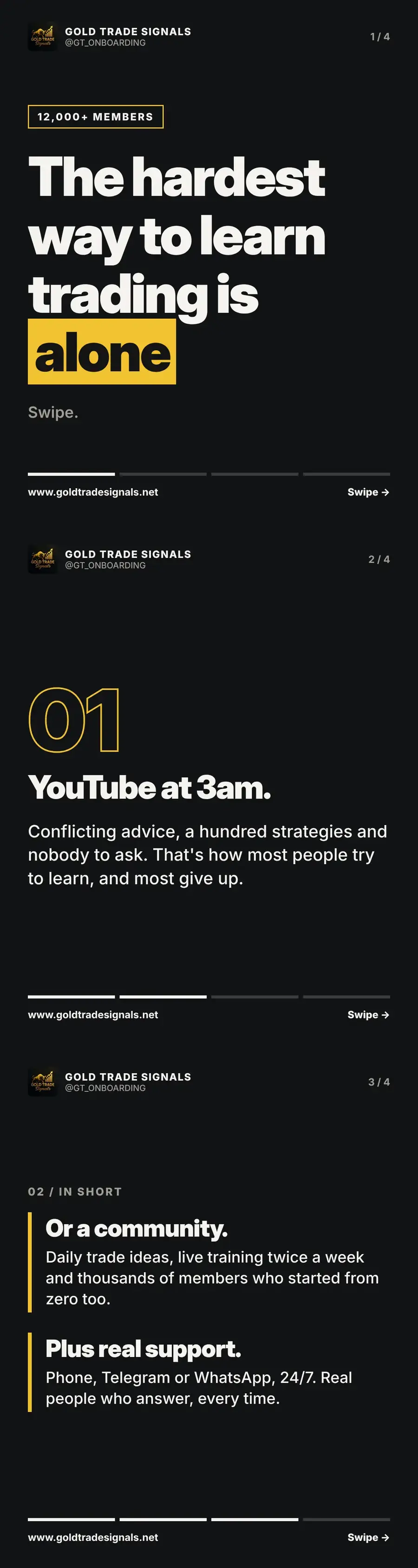
Why learning to trade alone is the hardest way to do it
YouTube at 3am, conflicting advice and nobody to ask: that is how most people try to learn trading, and most give up. Here is the alternative that works.
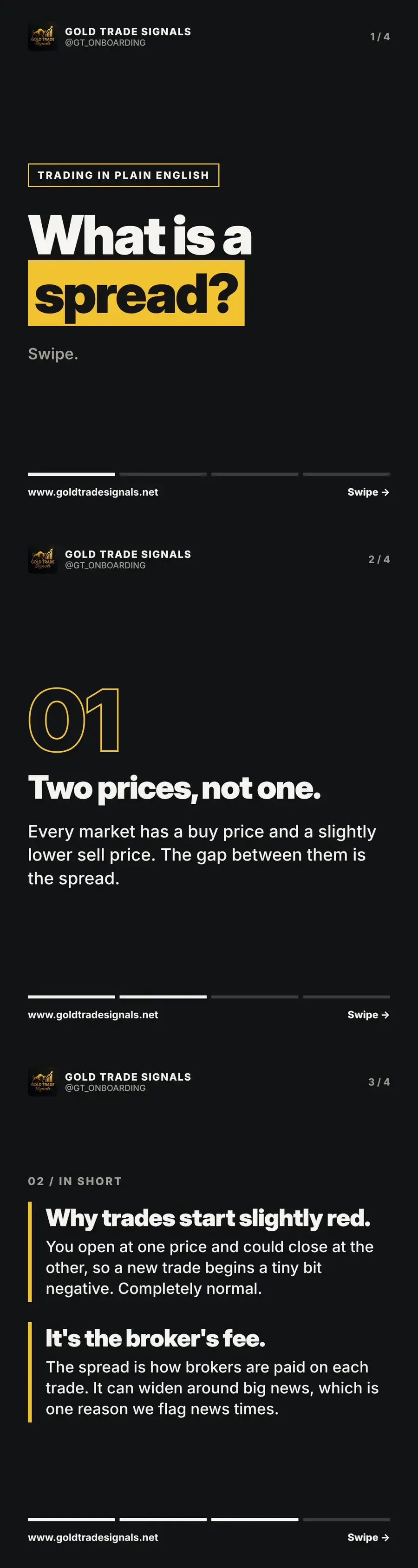
What is a spread? The small cost on every trade explained
Every market has a buy price and a sell price, and the gap is the spread. Learn why trades start slightly in the red and how brokers earn from it.
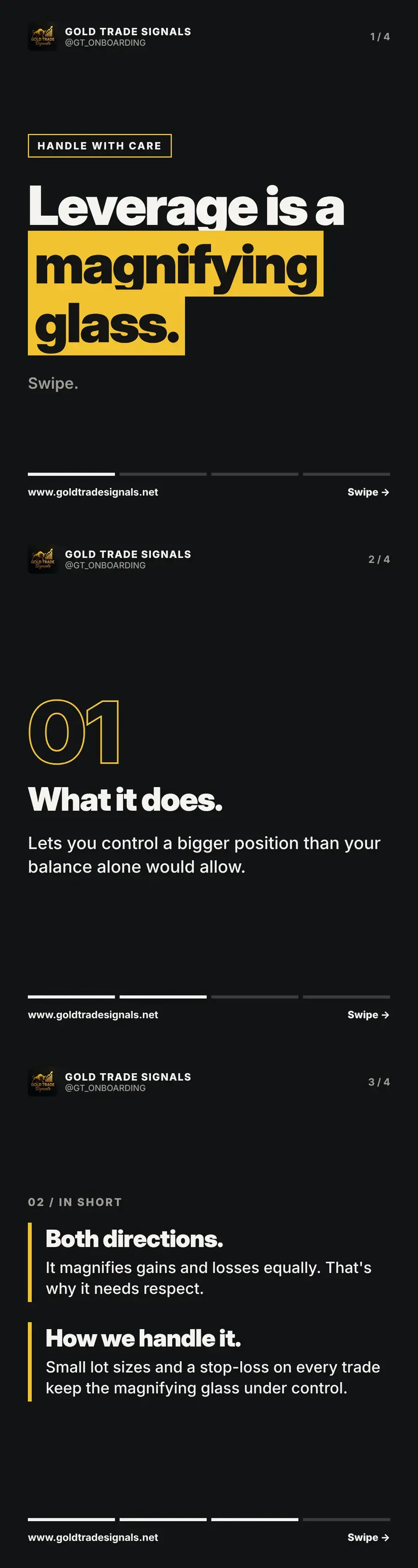
Leverage explained: why it works like a magnifying glass
Leverage lets you control a bigger position than your balance allows, and it magnifies gains and losses equally. Learn how we keep it under control.